
01 / FOR THE CHILD
A familiar board,
wherever they are.
Build a personal board with pictures, symbols or recorded audio. Keep the published board on the device for times when you’re offline.
See how it works
TAALBRUG · AUGMENTATIVE AND ALTERNATIVE COMMUNICATION
TaalBrug gives autistic children a familiar picture board to express what they need, choose or feel. Families, educators and care teams can support that communication together.

MADE FOR THE PEOPLE AROUND THE CHILD
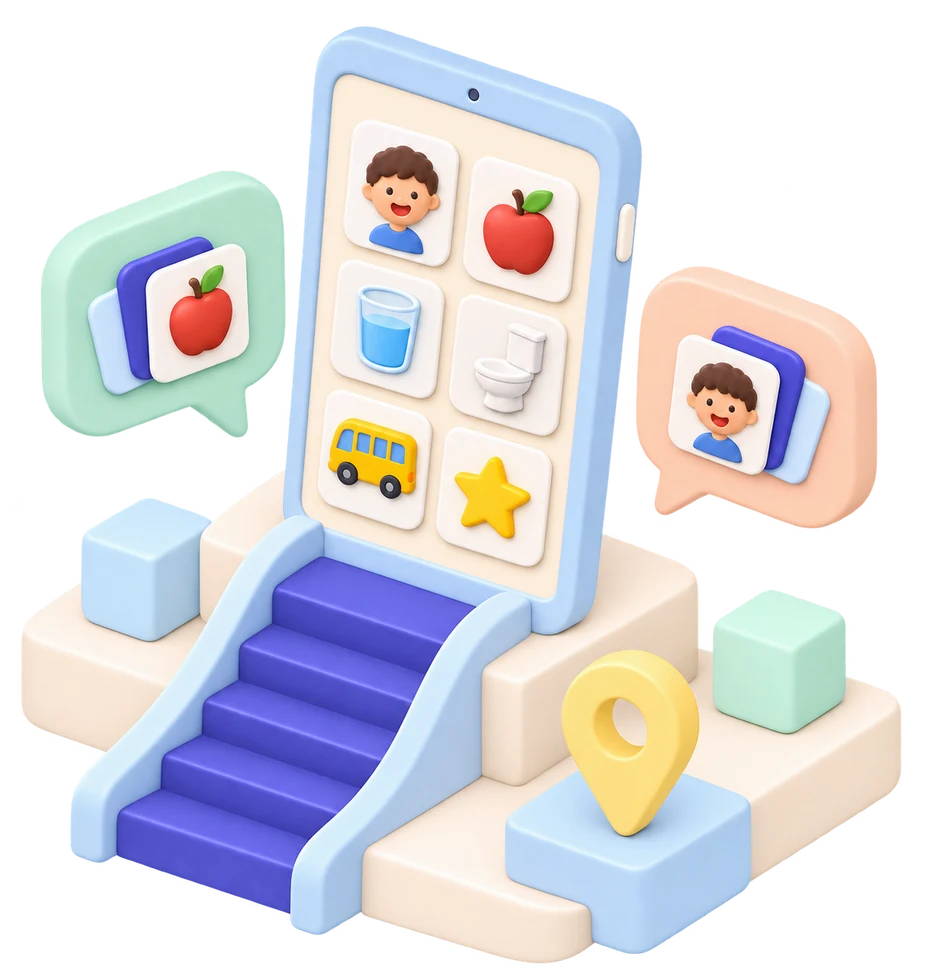
A FAMILIAR BOARD ACROSS SETTINGS
Picture cards, symbols and optional speech output give children more ways to express what they need, choose or feel.
Try the boardBUILT FOR EVERYDAY USE
AI ASSISTANT · REPORTS TO ACTION
Bring activity records, family observations and team reports together. The TaalBrug AI assistant helps make sense of the context, prepare reports and support decisions about what to try next.
Summarise activities, communication moments and observations across home, school and care.
Spot recurring themes and open questions, with links back to the reports and notes behind each suggestion.
Compare suggested next steps. Parents and professionals review, adapt and approve the plan.
Put agreed activities and review dates into the calendar, then use new observations to inform the next report.
AI supports decisions. Families and professionals approve changes to a child’s support plan.

ONE APP, DIFFERENT NEEDS
Illustrative previews only. The full app interface and real records are not shown.
01 / FOR THE CHILD
Build a personal board with pictures, symbols or recorded audio. Keep the published board on the device for times when you’re offline.
See how it works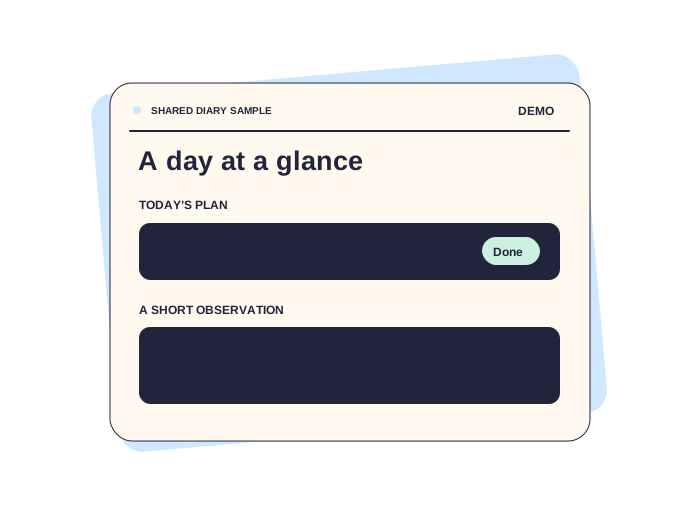

02 / HOME & SCHOOL
Families and staff can add short observations, share relevant updates and see what worked in each setting.
Explore TaalBrug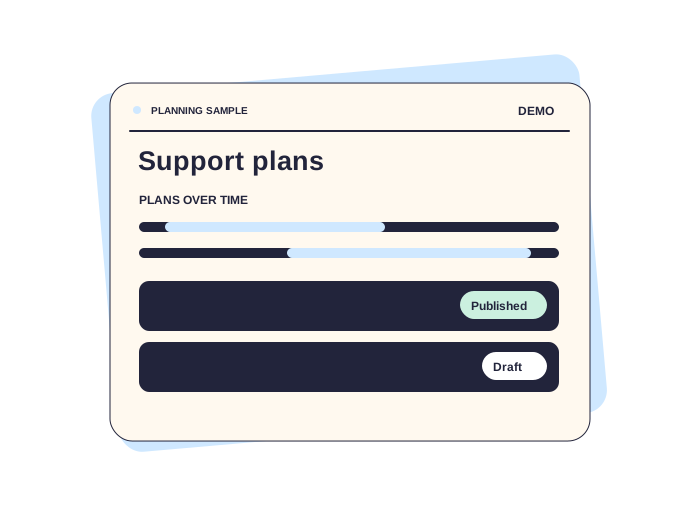

03 / FOR THE TEAM
See overlapping support plans at a glance and keep drafts separate from published plans.
Explore TaalBrug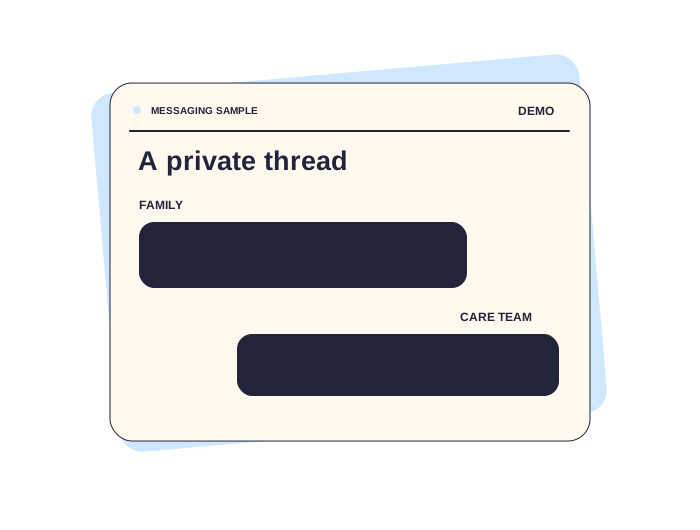
04 / PRIVATE MESSAGES
Share a small update or ask a question in a private conversation between authorised adults.
FROM DAILY NOTES TO REVIEW
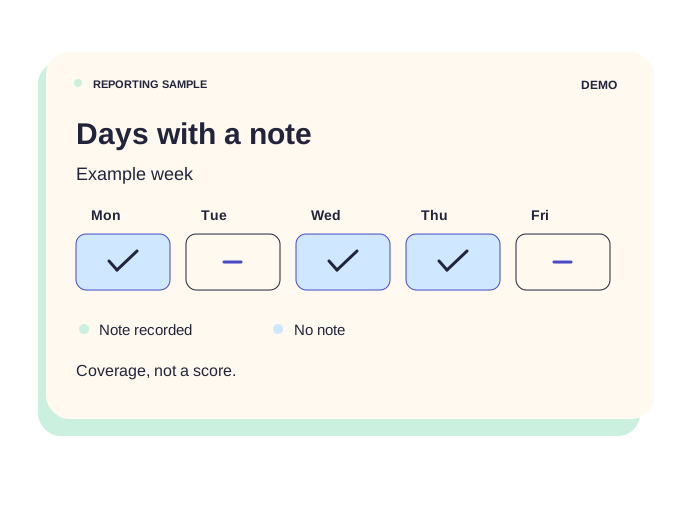
See observations over time and revisit the notes behind them. AI can draft a summary for staff to review before it’s shared.
See the features
TAALBRUG AT A GLANCE
Use pictures, symbols or both.
Offer sound when the child wants it.
Use the published board without a live connection.
Use the app in Dutch or English.
Share notes between home and the team.
Link observations to individual goals.
Keep conversations between authorised adults.
Connect activity reports to suggested next steps for the team to review.
DESIGNED FOR DAILY LIFE
What a child wants to say doesn’t change when they walk through a different door. The adults around them can coordinate without changing how the child communicates.
A SMALL INTERACTIVE DEMO
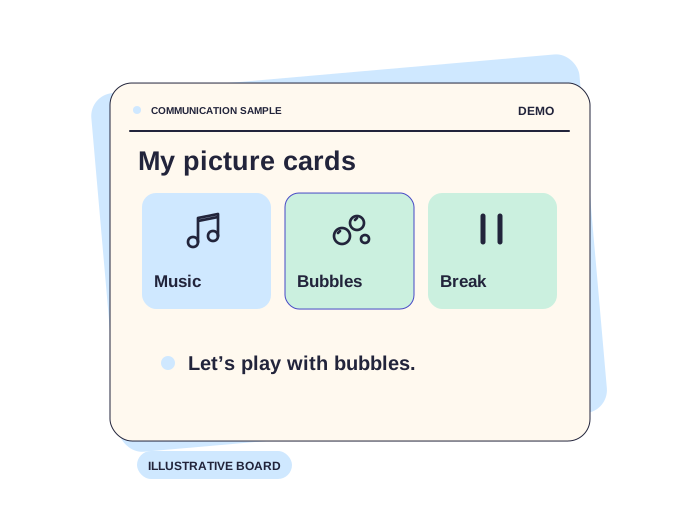
Try a card to see the message it represents. This sample board has no audio and contains no child data.
Illustrative boardChoose a card to see your message.
SMART REPORTING & CALENDAR PLANNING
Keep daily reports, activities, support goals and appointments in one connected workflow. Use the AI assistant to prepare a report, suggest follow-up activities and highlight questions for the next team review.
Example week
Illustrative calendar · fictional activities
Discuss observations · agree a plan · set a review date
Illustrative video-call concept
LIVE VIDEO COMMUNICATION
Bring families, educators and care teams into a video conversation around the child’s activities, reports and support plan. Review the AI-prepared summary together, agree on next steps and connect the outcome to the calendar.
Discuss these featuresBEFORE YOU GET STARTED
It’s designed especially for autistic children who benefit from supported communication, as well as for the families, educators and professionals around them.
On a device that has downloaded a published board, the child can use that board without internet. Sharing and other live features need a connection.
The AI assistant uses permitted activity records, observations and reports to prepare summaries, highlight patterns and suggest next steps. Suggestions include the supporting context so families and professionals can review them. The team approves decisions and plan changes before they are shared or put into action.
EXPLORE TAALBRUG
Tell us how you’d like to use TaalBrug at home, in school or in a care setting.